Lesson 1
Ready

House of Shirzan
Documents
Typing Forge

Shirzan Academy
Settings & Lessons
Instructions, theory, and training guidance
Typing Forge is designed like a training HUD. Each visual cue has one clear purpose.
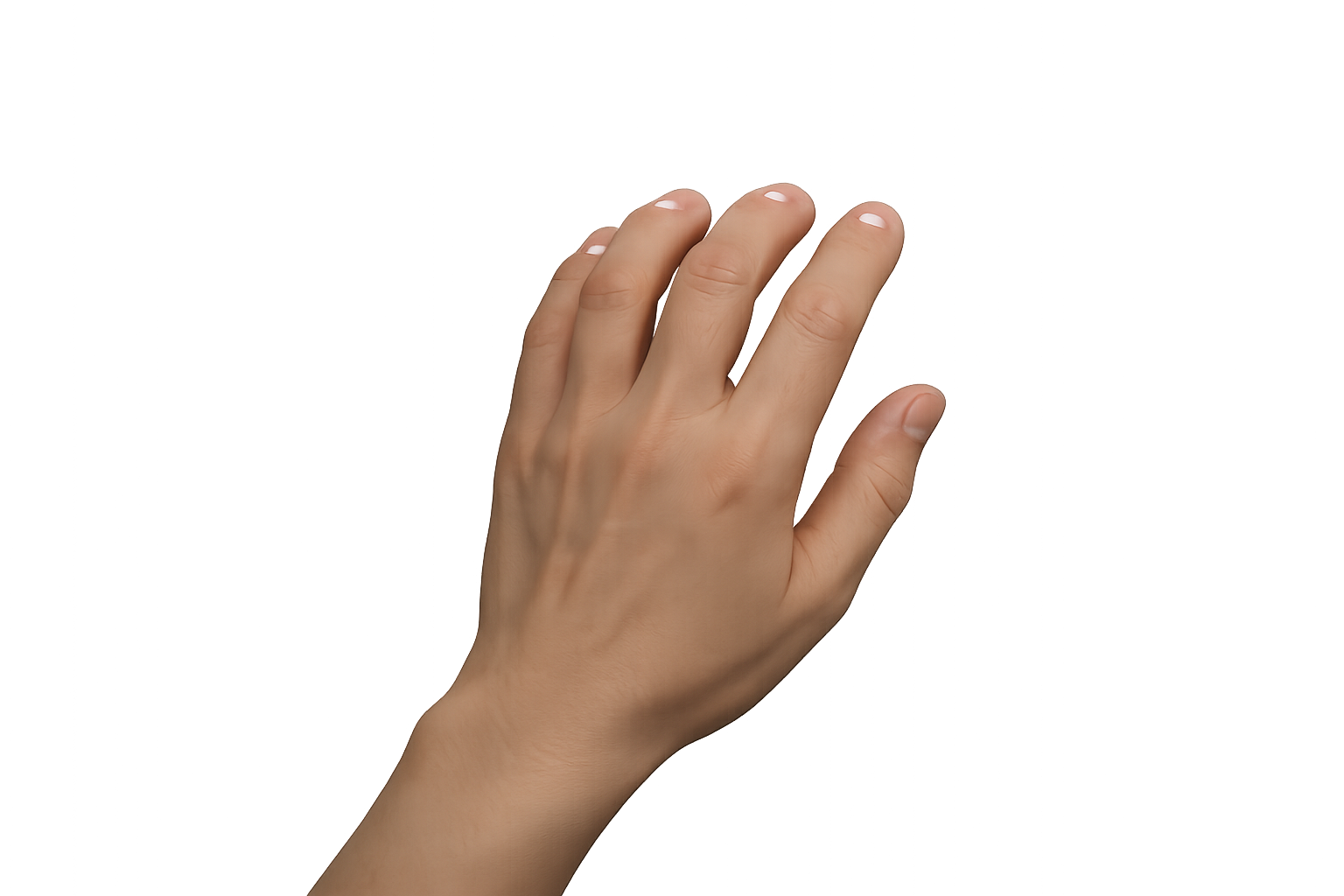
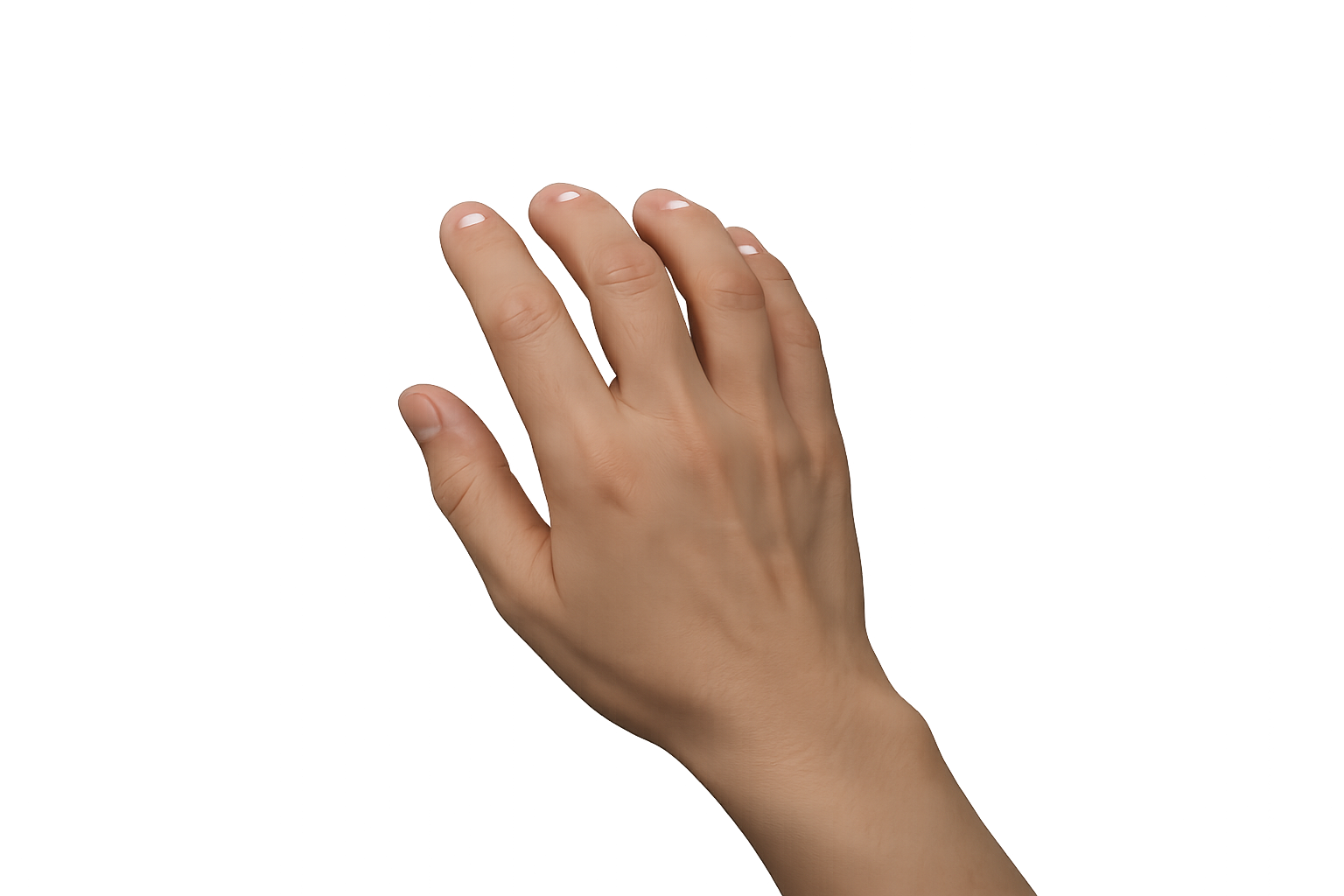
Keep your fingers resting on A S D F and J K L ;. The small raised marks on the F and J keys help your index fingers find home without looking down.
Reach for the target key, then return to home. Repeating the movement from the same starting point builds reliable finger memory and prevents the hands from drifting.
Speed built on the wrong movement only creates faster mistakes. Learn the correct motion first. Speed will grow naturally through accurate repetition.
Shirzan Typing Forge is under active development. If you discover a bug, have an idea for a lesson, or would like to recommend a feature, we would be glad to hear from you.
Contact the Author:
author@houseofshirzan.com
Shirzan Typing Forge was originally developed as a module within Castle Coach, the educational platform created by House of Shirzan. As the program grew, it developed into a complete touch-typing system capable of standing on its own.
House of Shirzan creates educational software, interactive learning experiences, and publishes books including Tales from the Glimmerglass and GuideRails.
Visit House of Shirzan:
houseofshirzan.com
Shirzan Typing Forge, including its software, lesson content, written materials, artwork, graphics, illustrations, interface design, and associated assets, is protected by copyright.
Unauthorized copying, modification, redistribution, resale, or commercial use is prohibited without written permission from House of Shirzan.
Training Curriculum
Choose a lesson to review its purpose, skills, and typing drill.